Hands-free appointment management via text

Brianna Weaver
 Community team
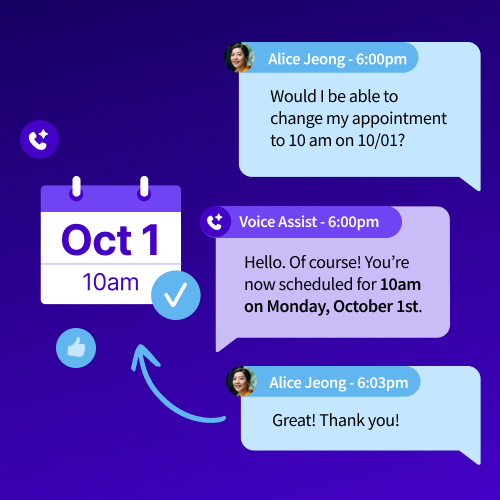
Did you know that 77% of consumers prefer scheduling an appointment via text? Now your customers can book, modify, and cancel appointments by texting your voice assistant!
Simply connect your calendar to CallRail. Your customers can then text a Voice Assist-enabled number to request, modify, or cancel an appointment. Voice Assist offers up options from your schedule in real time and updates bookings on their behalf.
You stay booked and busy while skipping the phone tag and chasing down "what time works for you?" texts.
Get started
- Mobile carriers require business texting registration to ensure messages are delivered reliably and not filtered. You can check your registration status or register for free here.
- Activate the Calendly, Google Calendar, or Jobber integration from the integrations library to allow your voice assistant to book appointments from your schedule during live calls or text conversations.
- Set up a text flow for Voice Assist in the personalization settings here. Then, your voice assistant will automatically reference your connected calendar via a call or text on Voice-Assist-enabled numbers.
Have a different scheduling tool you'd like us to connect? Let us know below!
0
Comments
Please sign in to leave a comment.