On October 7, 2025, CallRail announced the sunset of Lead Center. Beginning January 27, 2026, Lead Center will be phased out and no longer available in your CallRail account. This process will also occur with the Lead Center mobile app. Users who wish to make outbound communication with customers can either:
- Use CallRail's outbound dialer and Messaging feature for communicating with customers
- Work with our team to migrate your outbound communication to RingCentral.
This article contains information to guide you towards the best decision for your business needs:
Lead Center sunset: What you need to know
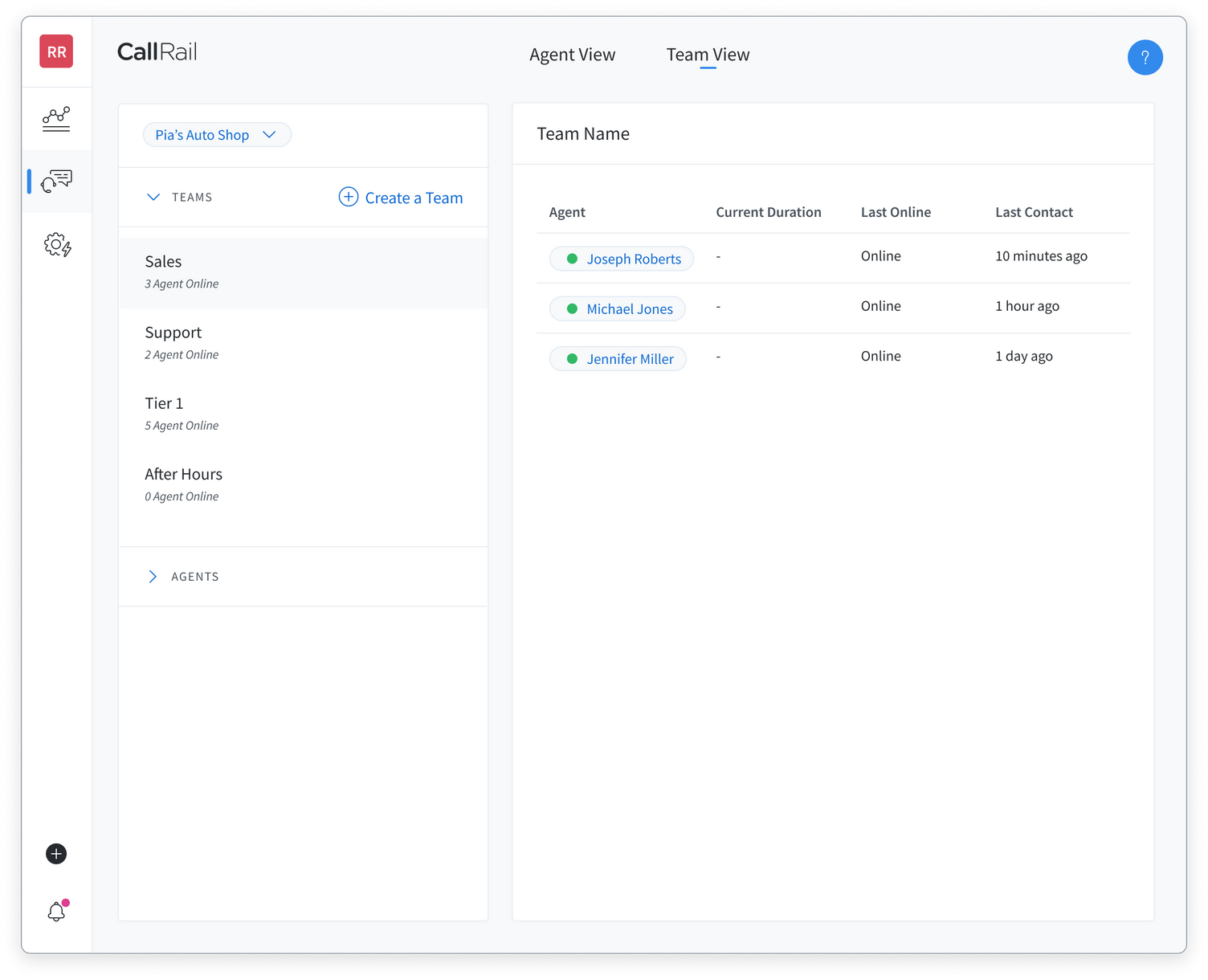
Your Team View in Lead Center provides real-time details about the Agents you've added to Lead Center. You'll see which of your Agents are available, offline, or currently talking to a customer. You'll also have access to more granular and filterable details about your Agents within the teams you've created.
Getting started
If you are an administrator, you can enable Team View for yourself and other Agents.
Learn how to enable Team View permissions in Lead Center.
Using the Team View in Lead Center
- Select Team View at the top of Lead Center.
- On the left panel, you'll see a list of your agents and teams. If you don't see any teams on your list, you'll want to be sure you've set up your teams first.
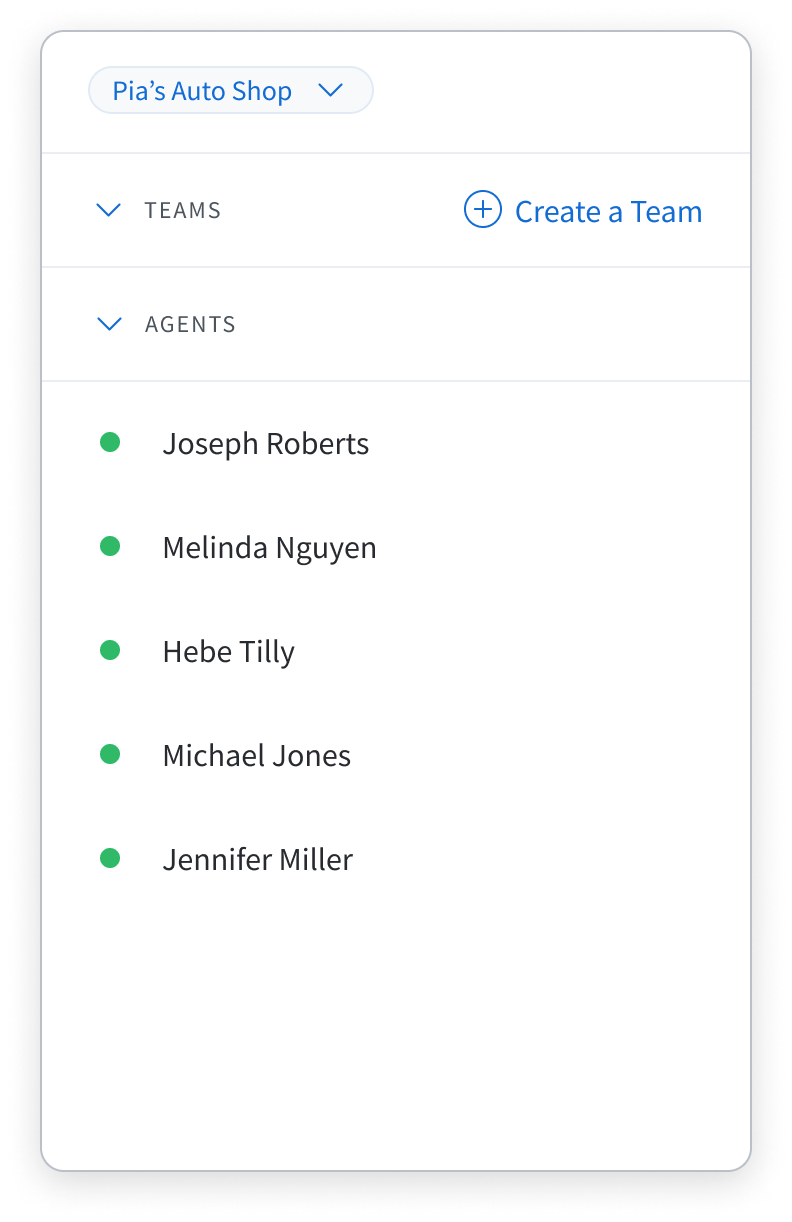
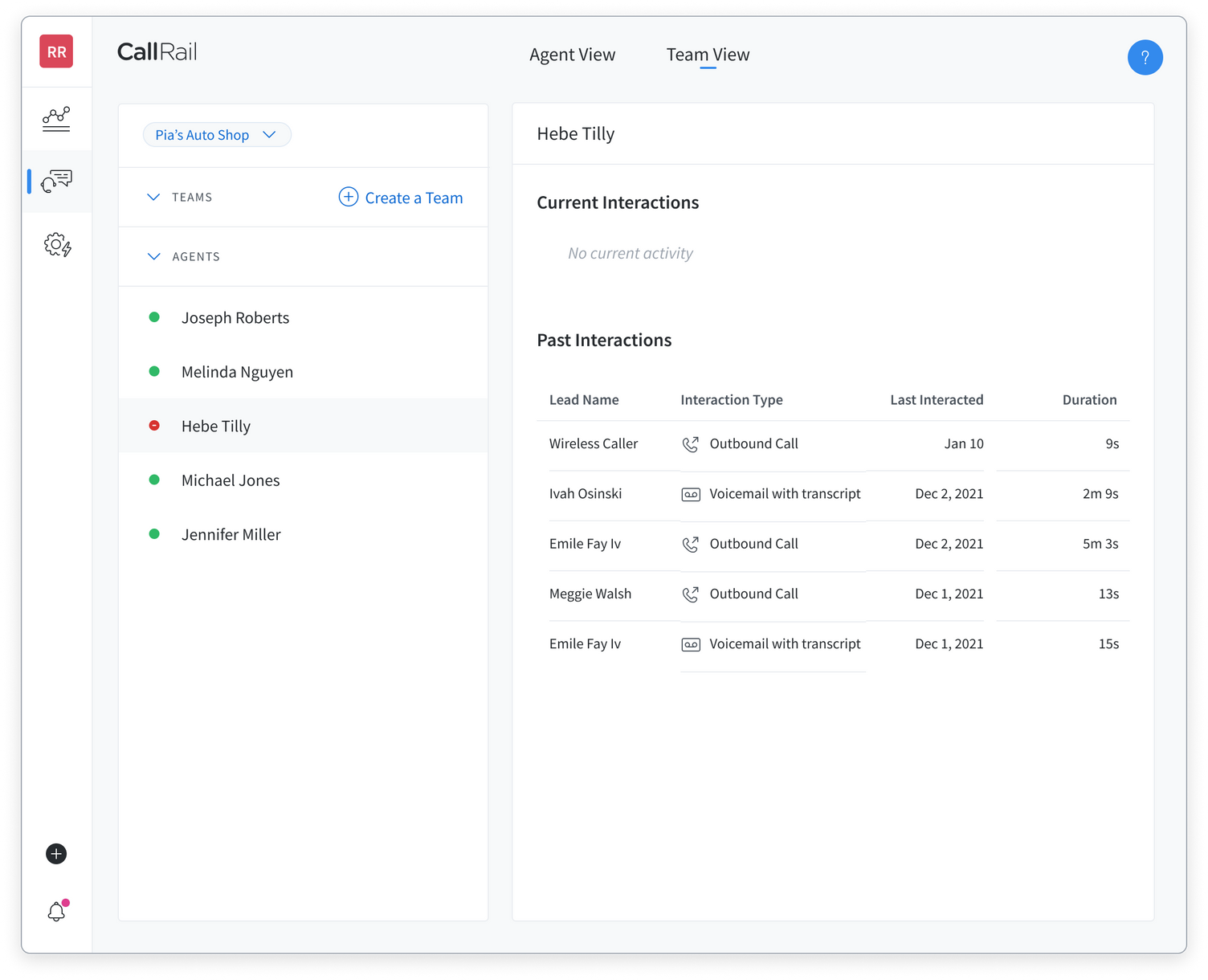
- You can select any Agent who's currently on a call (as indicated by the red "busy" status) to see additional information about their current and past interactions with customers.
- To see specific information about Agents on a team, select your team's name in the top section in the left panel. From this view, you'll also be able to access Agent information for active calls as outlined in Step 2 above.