On October 7, 2025, CallRail announced the sunset of Lead Center. Beginning January 27, 2026, Lead Center will be phased out and no longer available in your CallRail account. This process will also occur with the Lead Center mobile app. Users who wish to make outbound communication with customers can either:
- Use CallRail's outbound dialer and Messaging feature for communicating with customers
- Work with our team to migrate your outbound communication to RingCentral.
This article contains information to guide you towards the best decision for your business needs:
Lead Center sunset: What you need to know
Hold is now available on the Lead Center mobile app! In this article, you'll learn how to place an active call on hold.
Getting started
The hold feature is available on both Android and iOS versions of the mobile app.
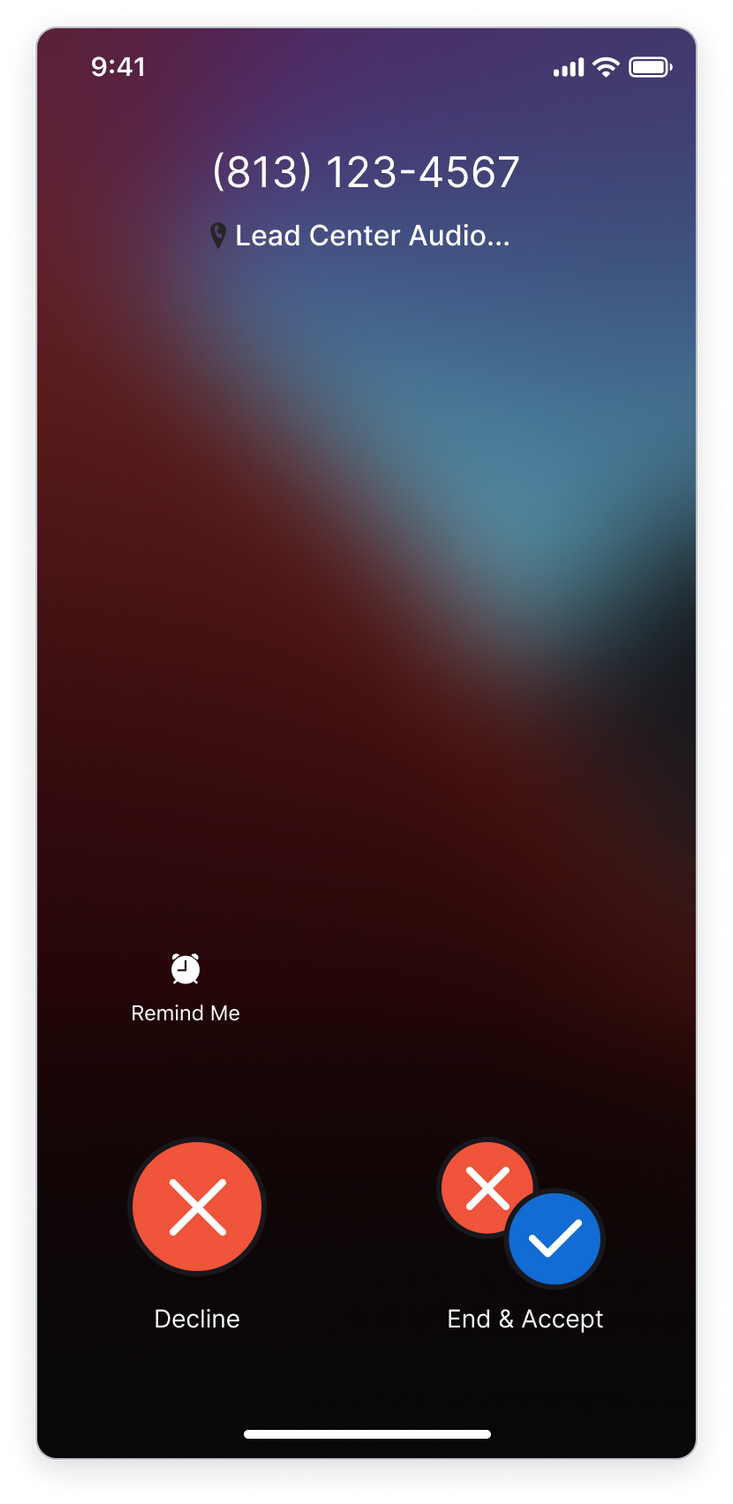
If there is an incoming call while you have your current call on hold, you'll receive an audio indication of the incoming call, and you can either accept or decline it.
- Decline - this will decline the second incoming call, and you’ll remain connected with your current call.
-
Accept - this will end your current call, and you’ll be connected to the second incoming call.
Putting an active call on hold
Follow these instructions to place an active call on hold.
- While you’re on an active call, tap the Hold button. The hold icon will appear anytime you’re in an active call.

- The caller is now on hold. You will not be able to hear them and they will not be able to hear you. While a caller is on hold they will hear our default hold music.
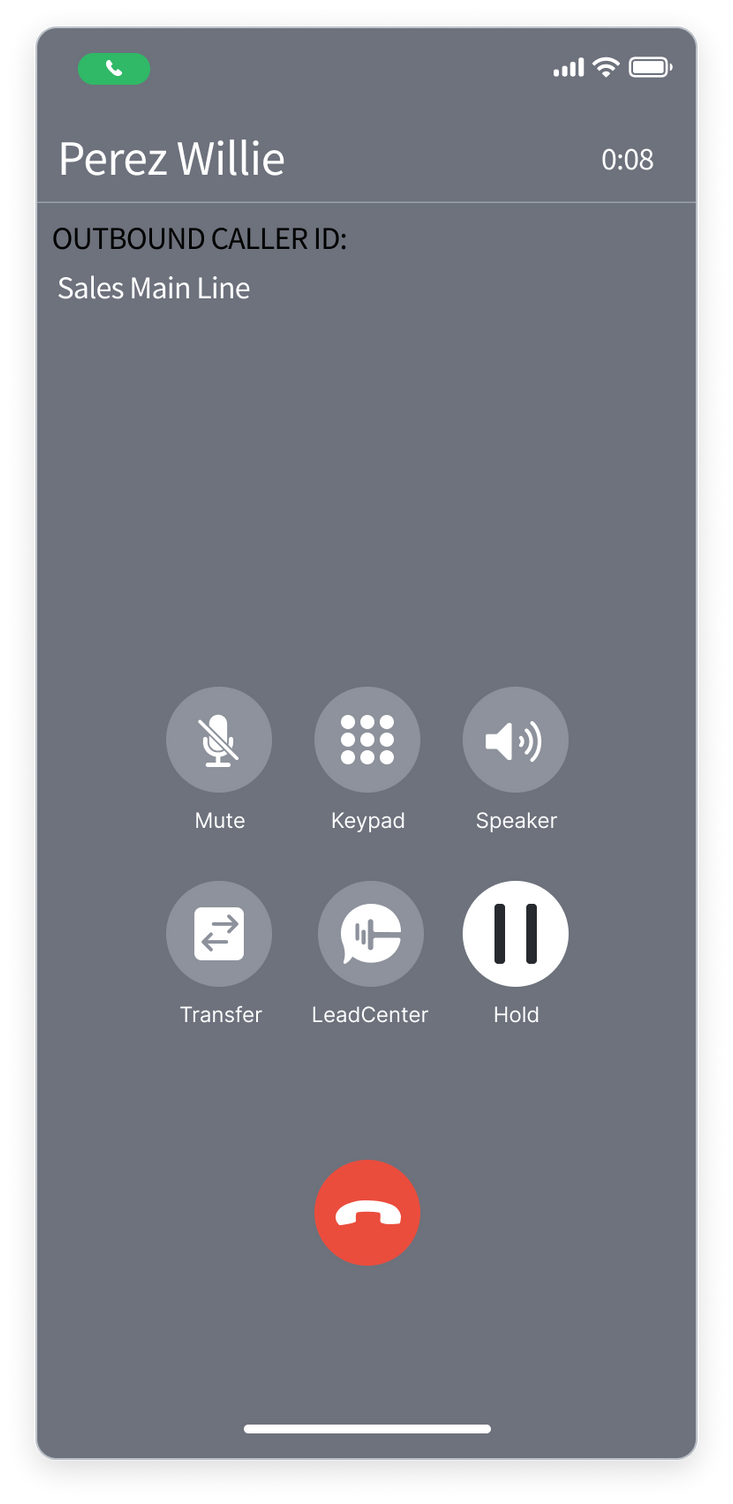
- When the call is on hold, you’ll see a status bar at the top right letting you know the call is on hold.
- When you’re ready to resume the call, tap the Hold button to reconnect with the caller.
Please note: You can also end a call that’s on hold.